It depends on the model — newer Hisense TVs running Google TV support IPTV apps directly from the Play Store, while VIDAA-based models have a smaller app catalog and may need an external streaming device.
Compatibility
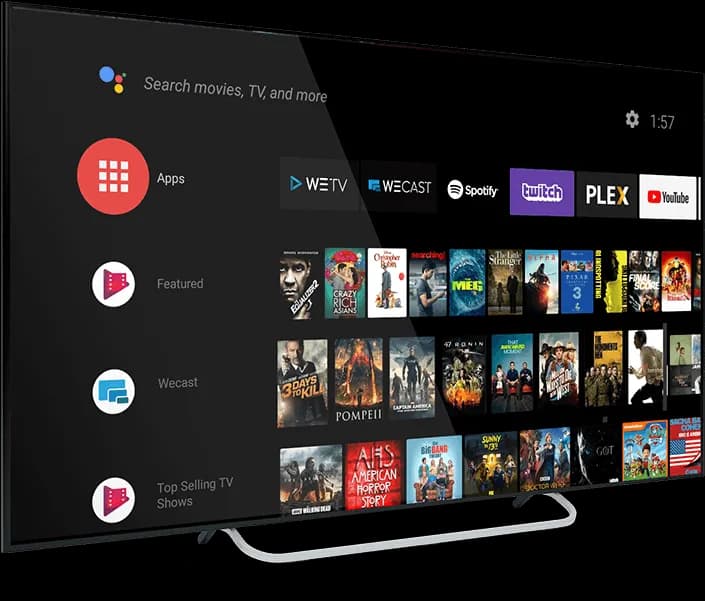
Hisense has shipped TVs on more than one smart TV platform: VIDAA (its own OS) on many models, and Google TV on others, particularly higher-tier recent sets. Check your TV's settings menu to see which one you have. Google TV models follow the same Play Store install path as any other Android TV device; VIDAA models have a more limited app store that may not include a full-featured IPTV player, in which case connecting a Fire TV Stick or Chromecast is the more reliable path.
Setup overview
- Check Settings → About to identify VIDAA vs. Google TV
- On Google TV models, install a player app from the Play Store
- On VIDAA models, check the VIDAA app store for an IPTV player, or use an external streaming device
- Enter your playlist URL or Xtream Codes credentials in the app
There’s no dedicated step-by-step guide for Hisense TV yet. The compatibility notes above cover what you need to know.
Hisense TV frequently asked questions
Ready to watch on your Hisense TV?
Set up in minutes. No contracts, no equipment rentals.