Supported Devices
Every device IPTV works on, from Fire TV Stick and Android TV boxes to smart TVs, game consoles, phones, tablets, and computers, with setup steps for each.

Device questions
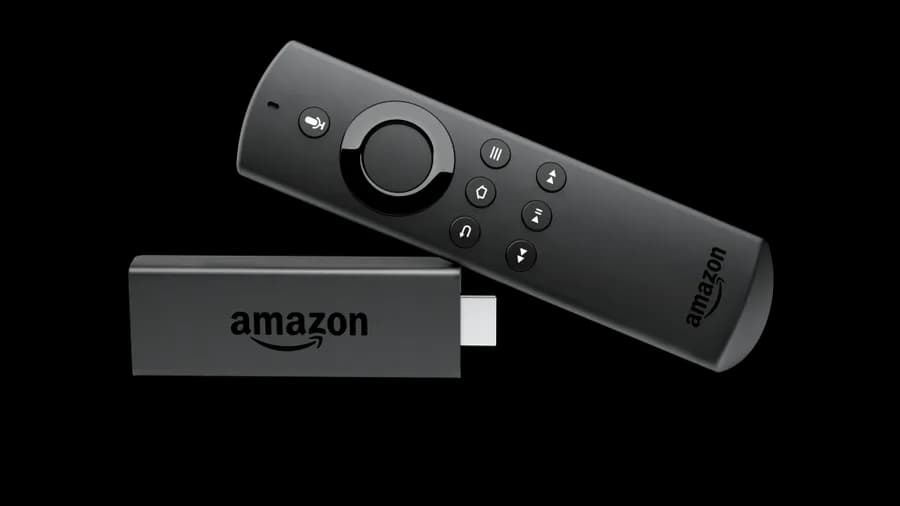
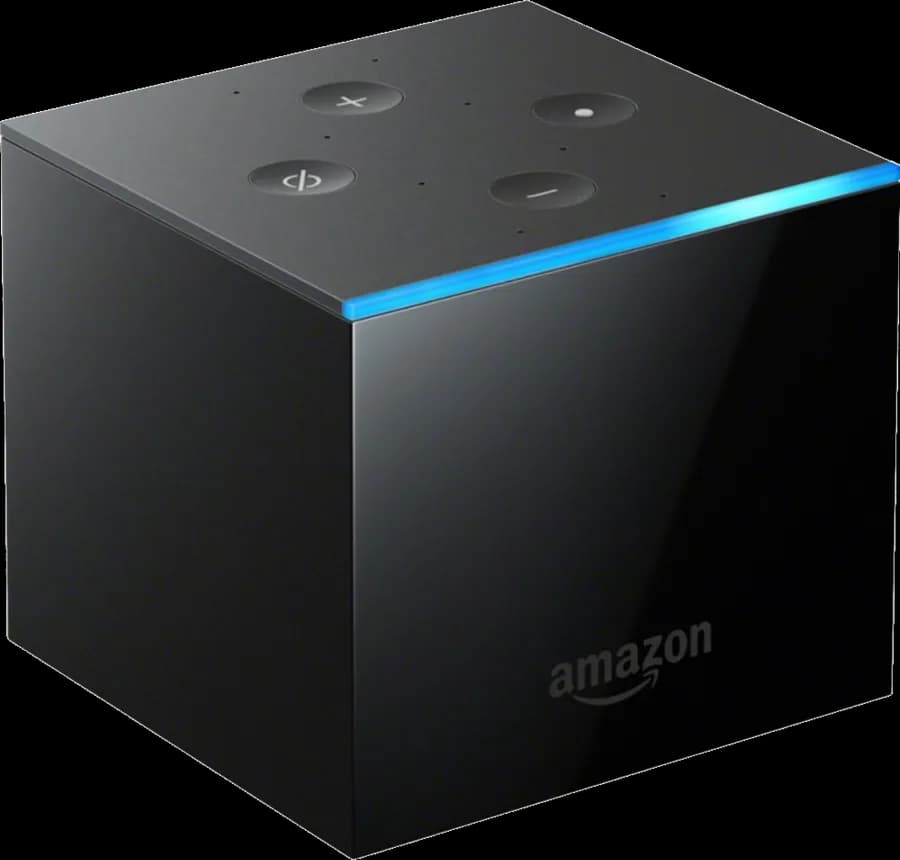
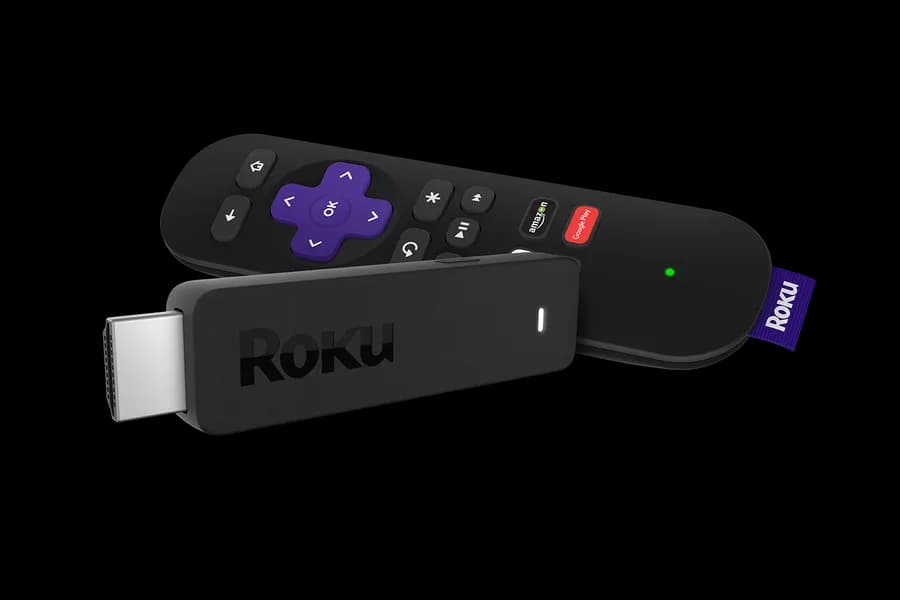
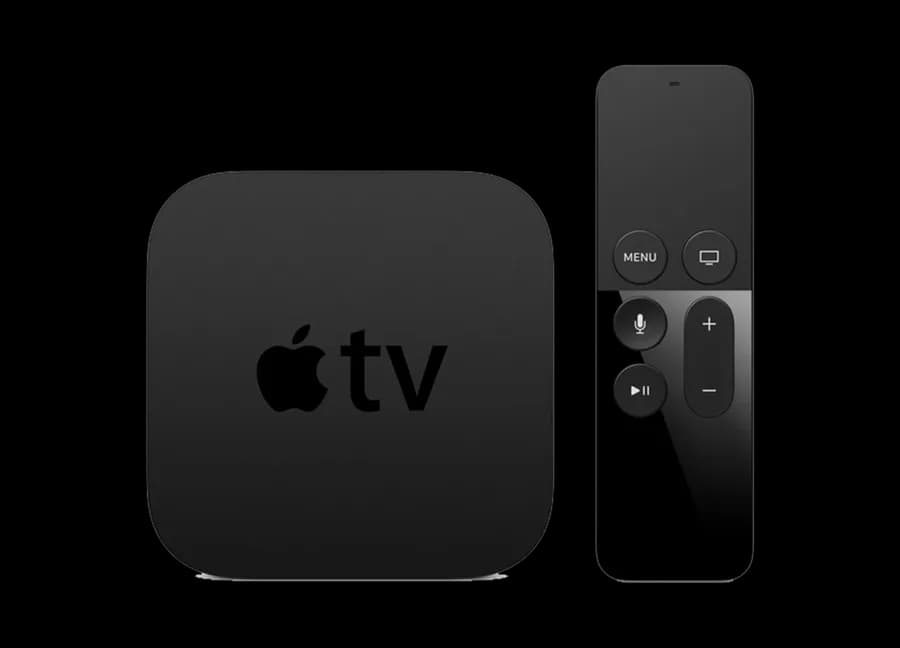
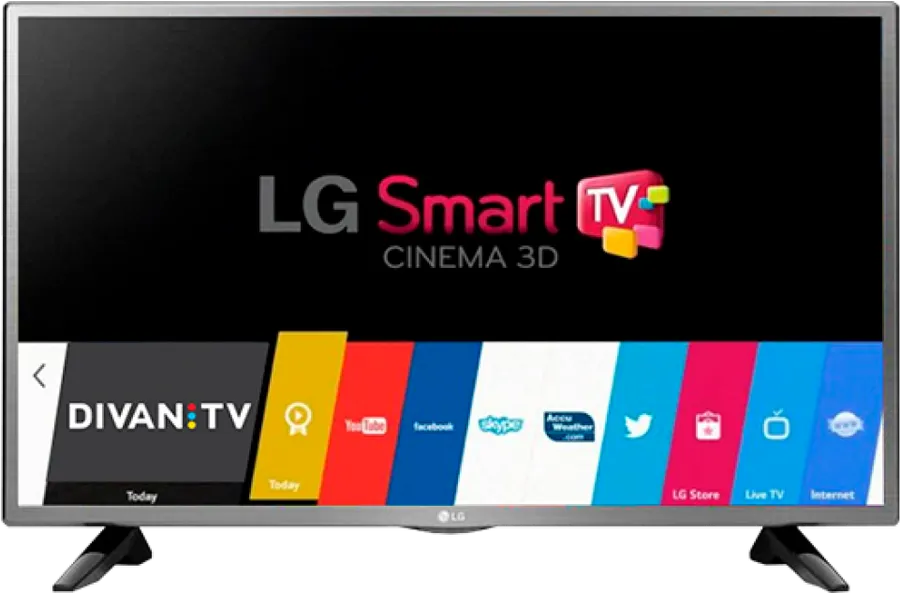
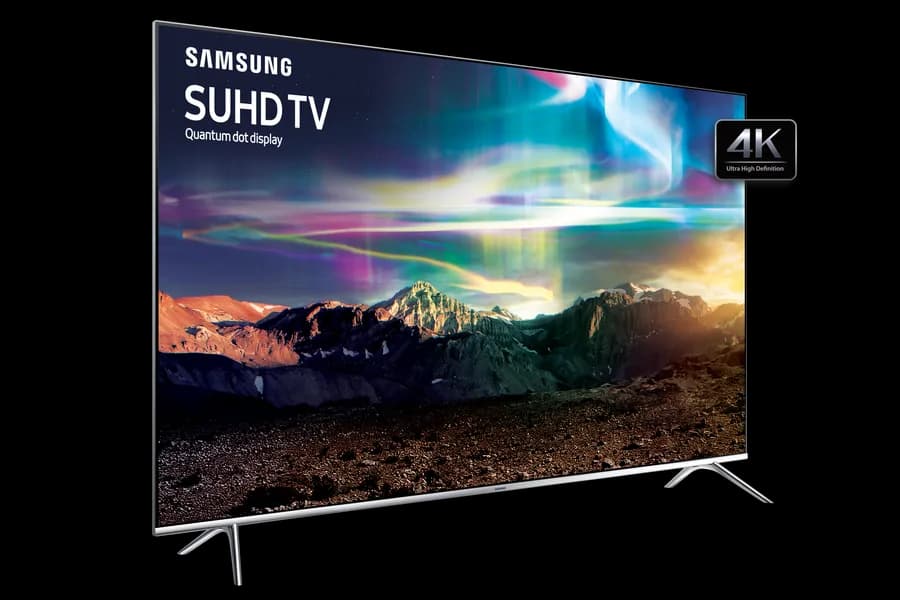
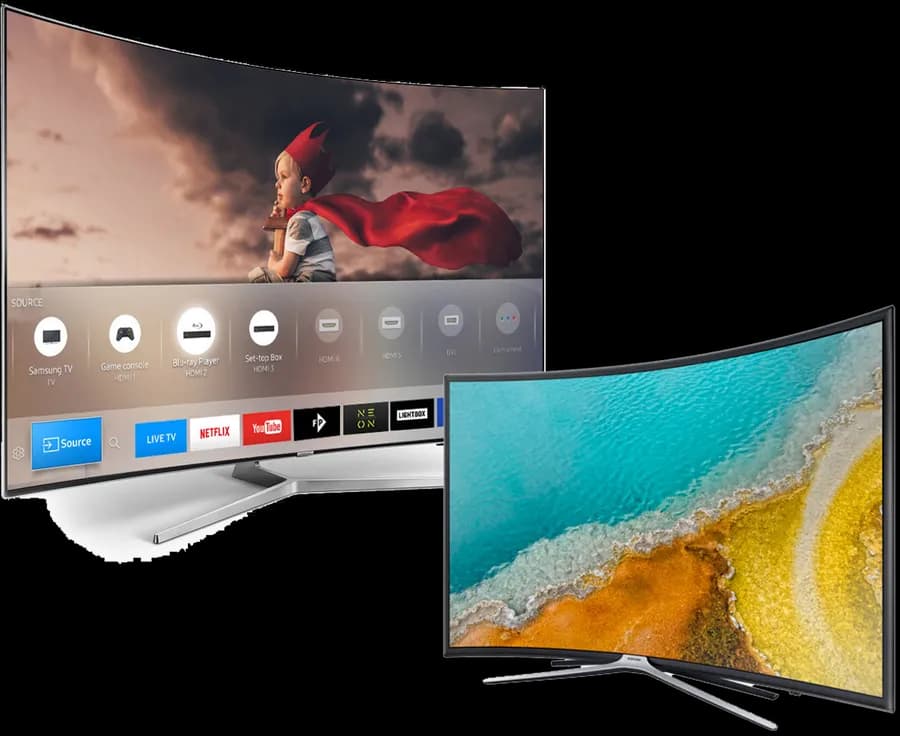
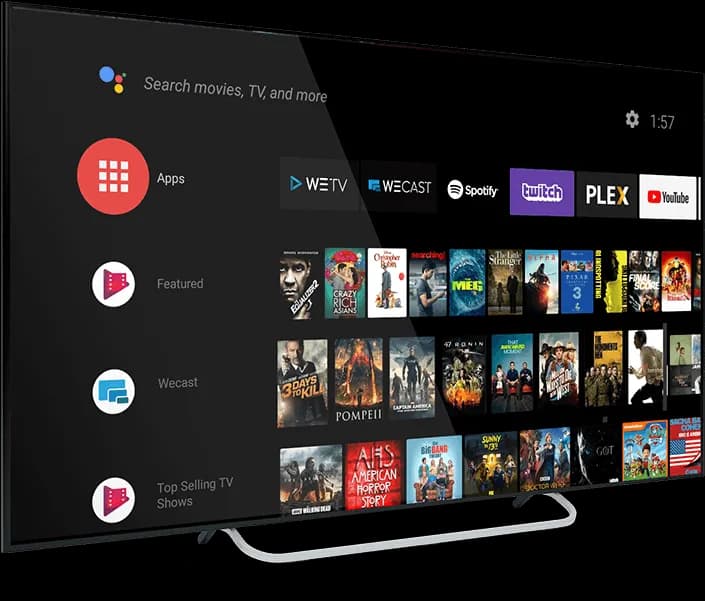
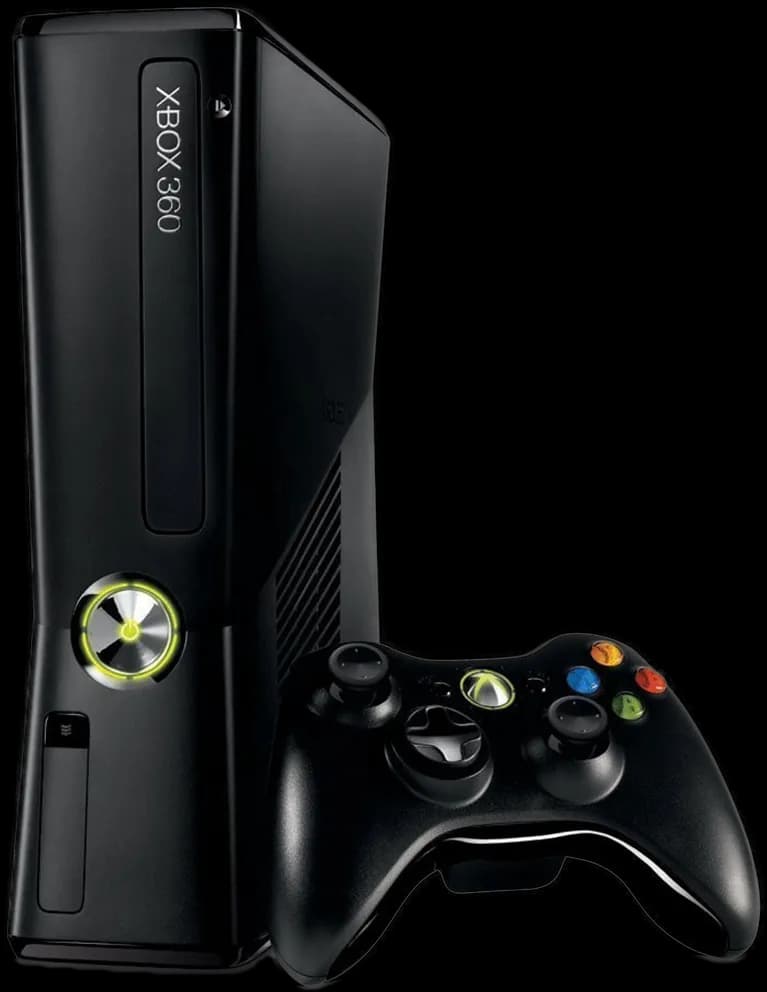
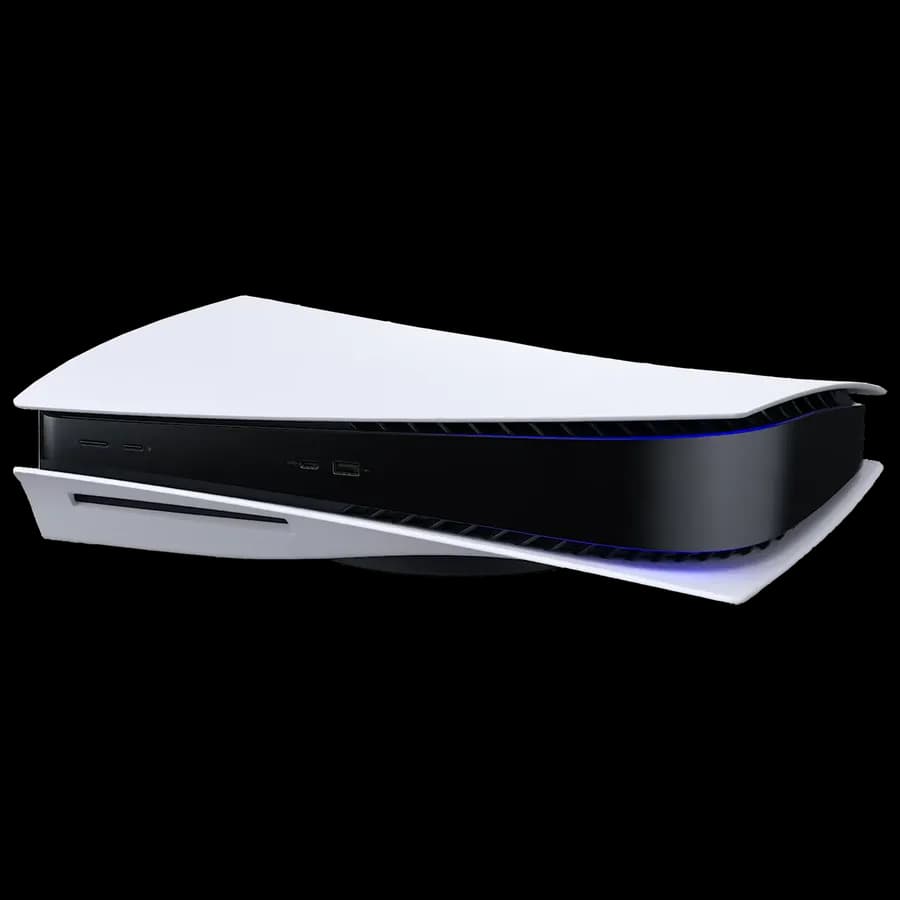
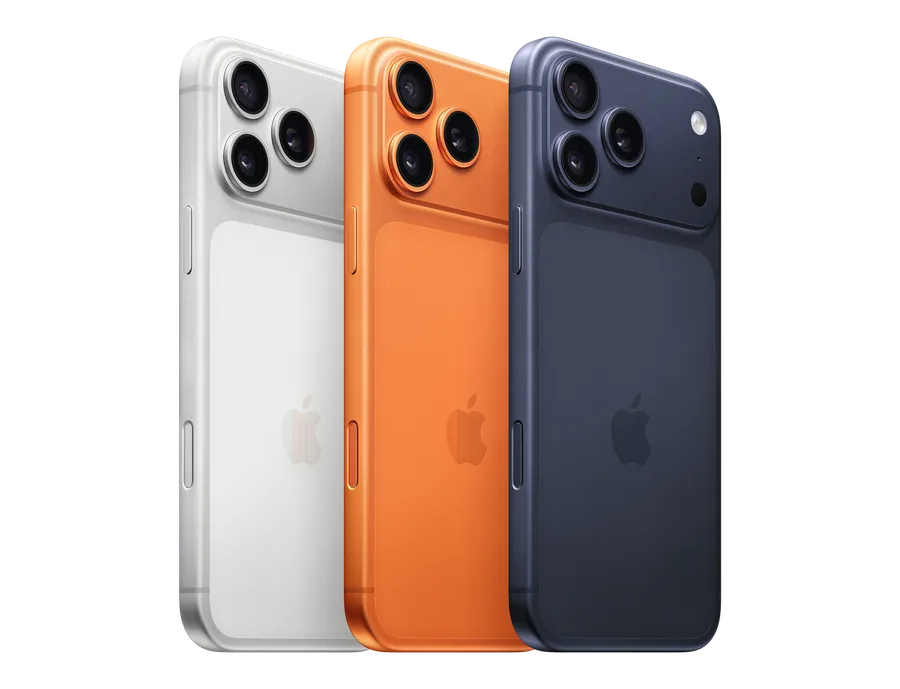
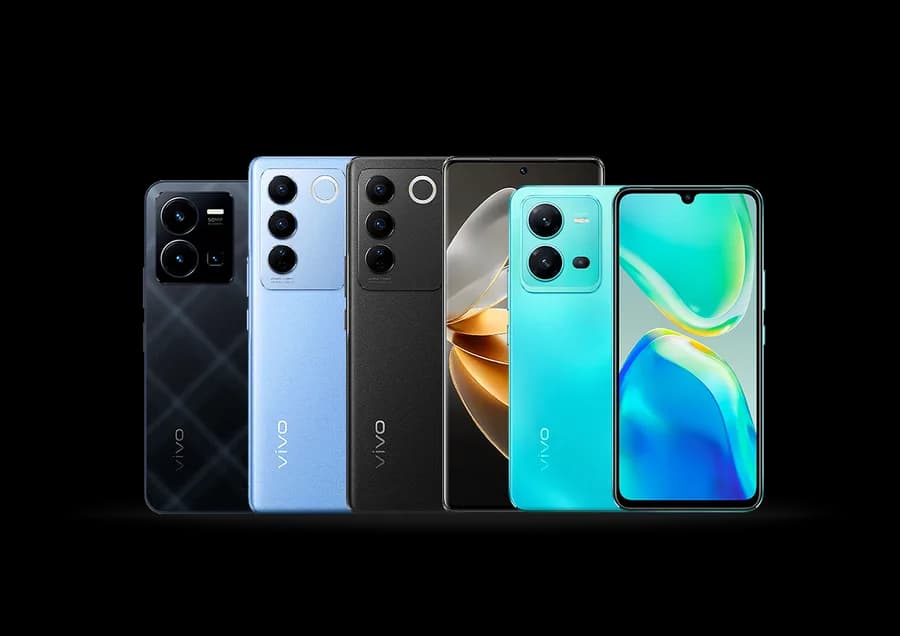
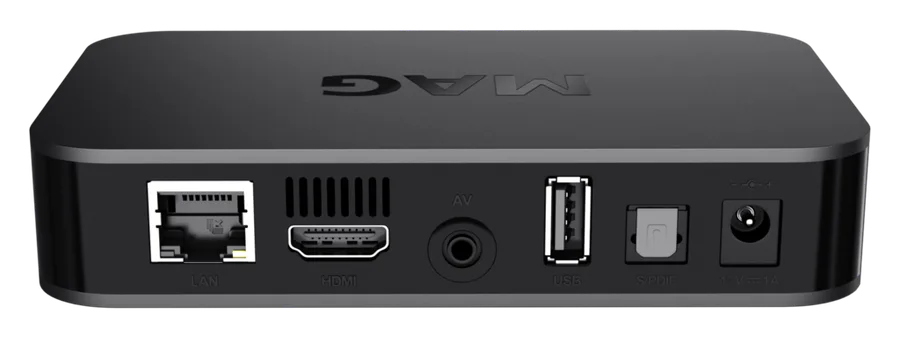
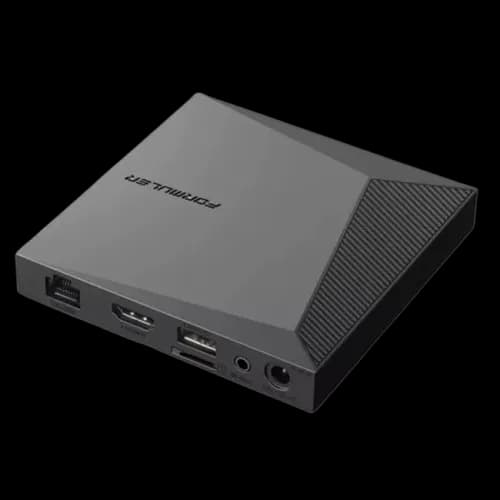
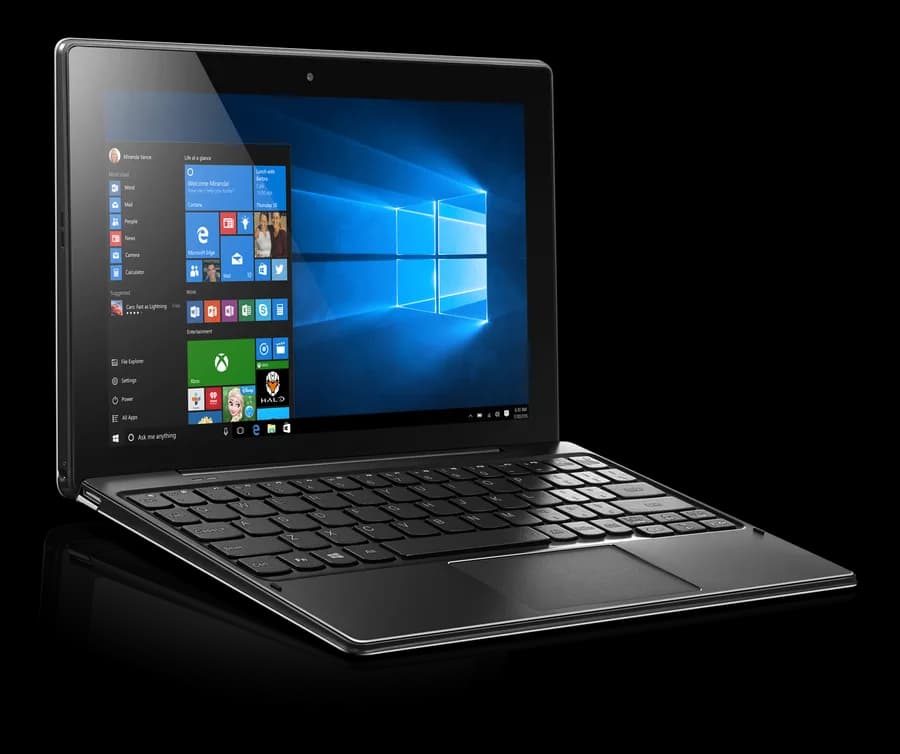
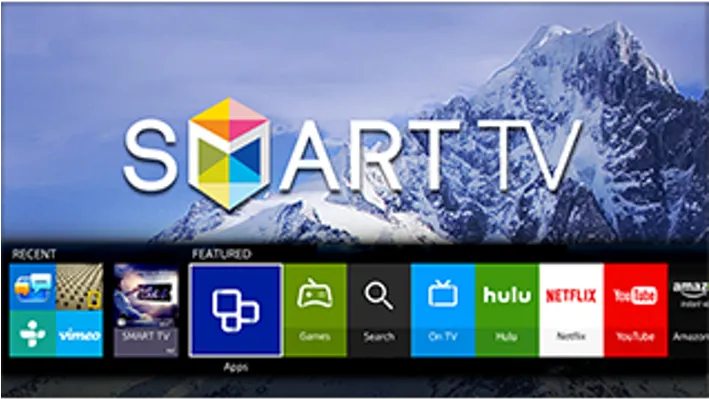
IPTV works on most modern streaming boxes, smart TVs, consoles, and phones — including Fire TV devices, Apple TV, Android TV, LG and Samsung smart TVs, Xbox, and iOS or Android phones and tablets. Our Devices page lists all 24+ supported devices individually, each linking to its own step-by-step setup guide in the Installation Center.
Most devices with a modern app store or sideloading support work fine even if not individually listed — the underlying player apps (IPTV Smarters Pro, TiviMate) run on a wide range of hardware beyond the ones we've written dedicated guides for. Check our Other Smart TVs device page for general guidance, or connect a Fire TV Stick or Chromecast to any HDMI TV as a reliable fallback that's guaranteed to work.
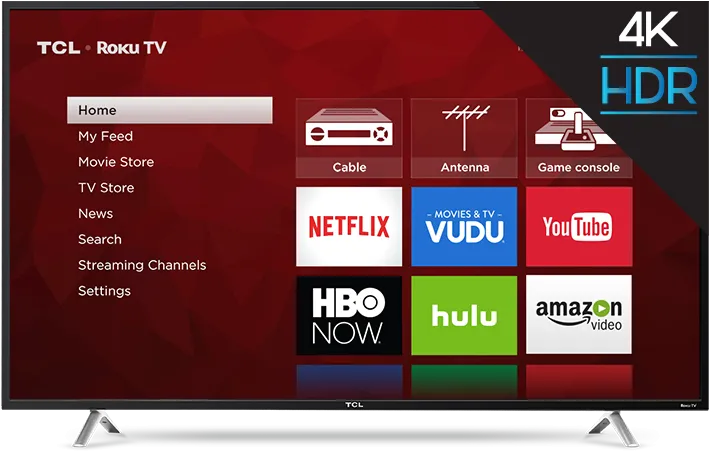
Often, yes — most current LG, Samsung, and Android TV/Google TV smart TVs can install a player app directly from their own app store or via sideloading, no separate streaming box required. Check our Devices page for your specific TV brand's setup path; older smart TVs without a modern app store are the main case where a Fire TV Stick or similar box becomes the simpler route.
You can install a player app on as many individual devices as you like — a TV, a phone, a tablet, a second home — with no limit on installs. What your plan actually limits is how many of those installs can stream at the exact same moment; see our connections FAQ answer for how that simultaneous-screen count works.