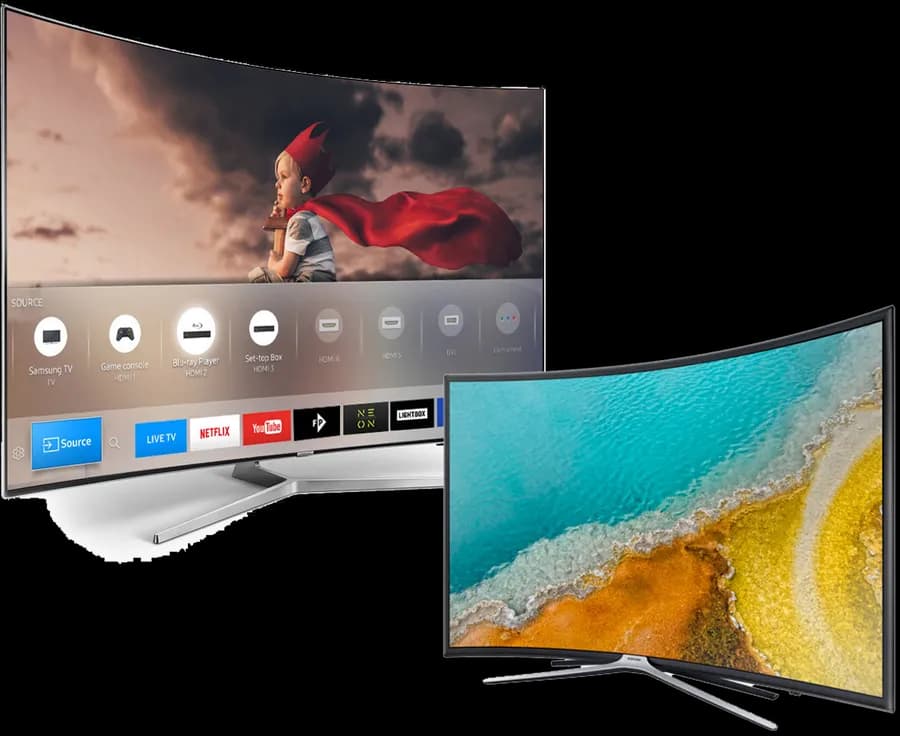
Yes — Samsung Smart TVs running Tizen support IPTV through apps in the Samsung Apps store, the same way LG TVs use the LG Content Store.
Compatibility
Samsung's Tizen platform includes its own app store (accessible from the Smart Hub) with IPTV player apps such as IPTV Smarters and GSE SMART IPTV. As with LG's webOS, no sideloading is involved — it's a normal app install from Samsung's official store. TV age matters more than model tier here: recent Tizen versions have a fuller app catalog than TVs from several years ago.
Setup overview
- Open Smart Hub and go to the Samsung Apps store
- Search for an IPTV player app such as IPTV Smarters or GSE SMART IPTV
- Install and open the app
- Enter your playlist URL or Xtream Codes credentials
24+Devices supported
20+Countries covered
Related guides
Samsung TV (Tizen) frequently asked questions
App availability varies by Tizen version and region. If nothing shows up, an external device like a Fire TV Stick or Chromecast with Google TV connected via HDMI works around it entirely.
Ready to watch on your Samsung TV (Tizen)?
Set up in minutes. No contracts, no equipment rentals.