Yes — any smart TV running Android TV (regardless of brand) supports IPTV player apps through the Google Play Store, the same setup path as a dedicated Android TV streaming box.
Compatibility
Several TV brands license Android TV as their smart TV platform rather than building their own (unlike LG's webOS or Samsung's Tizen). If your TV's settings menu shows "Android TV" and includes the Google Play Store, the setup process is identical to an NVIDIA Shield or generic Android TV box — install a player app from the Play Store directly, no sideloading needed.
Setup overview
- Confirm your TV runs Android TV in its settings menu
- Open the Google Play Store
- Install IPTV Smarters Pro or TiviMate
- Enter your playlist URL or Xtream Codes credentials
24+Devices supported
20+Countries covered
Related devices
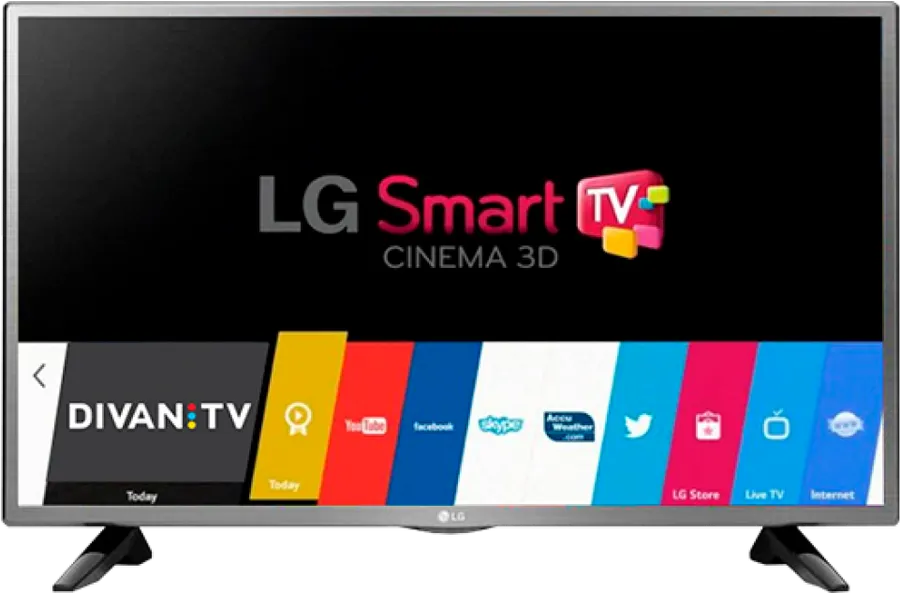
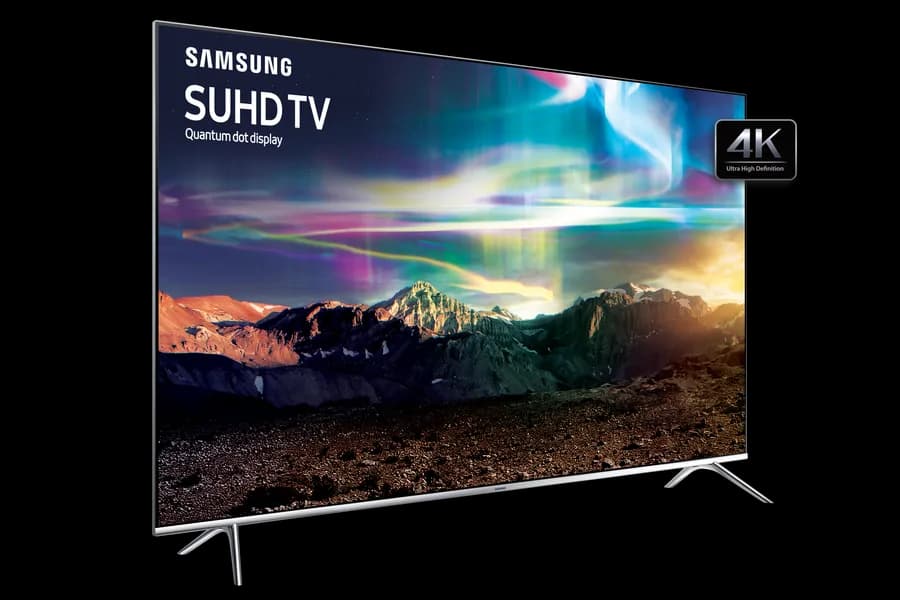
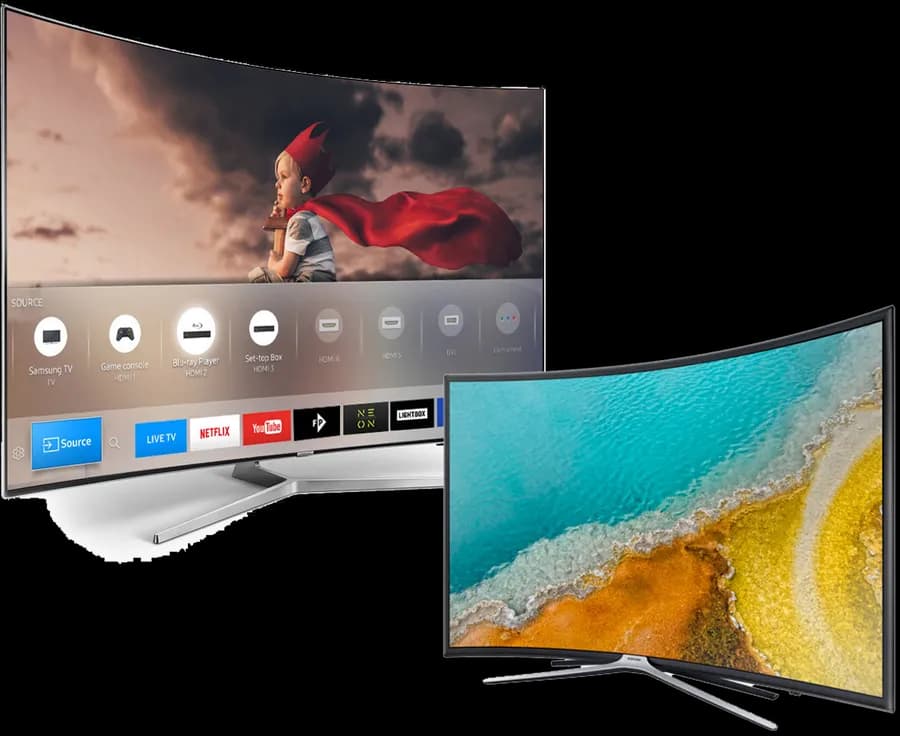
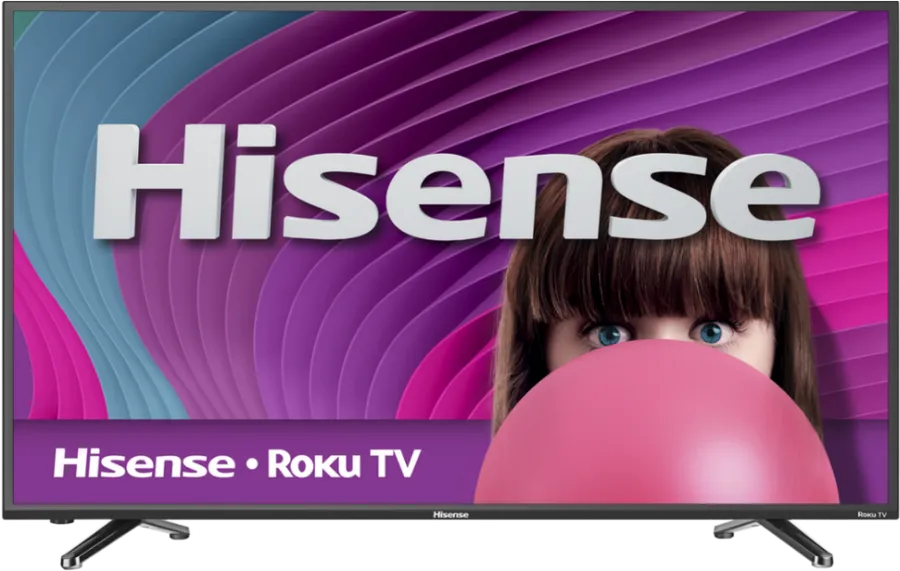
Android TV (Smart TV) frequently asked questions
Check Settings → About, or look for a Google Play Store icon on the home screen. If it's there, your TV runs Android TV or Google TV and this setup path applies.
Ready to watch on your Android TV (Smart TV)?
Set up in minutes. No contracts, no equipment rentals.