Installation Center
Find your device and jump straight to its step-by-step IPTV installation guide — no browsing required.
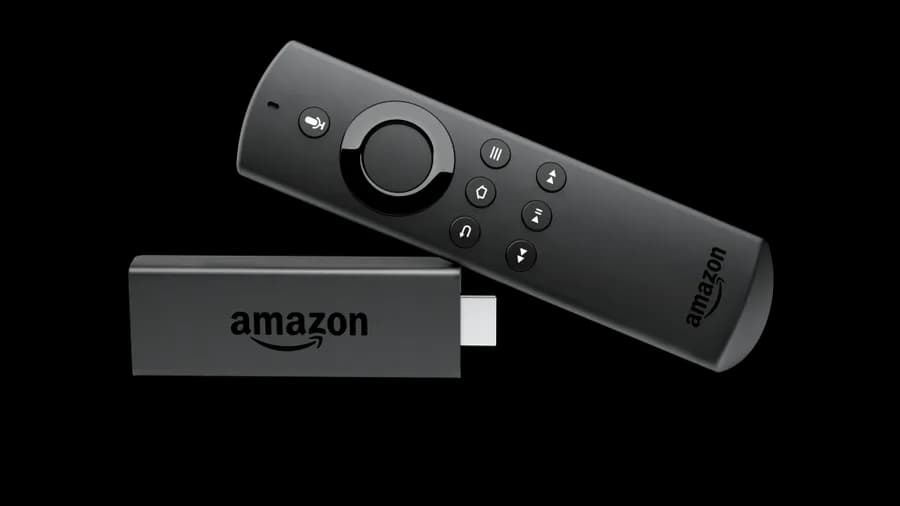
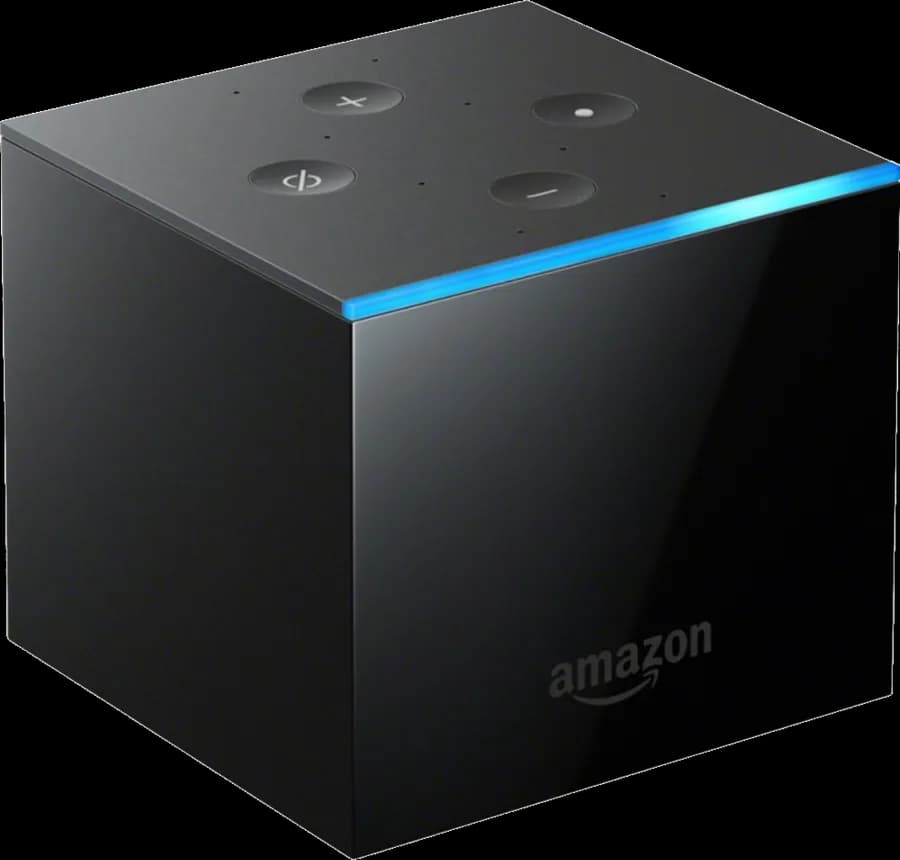
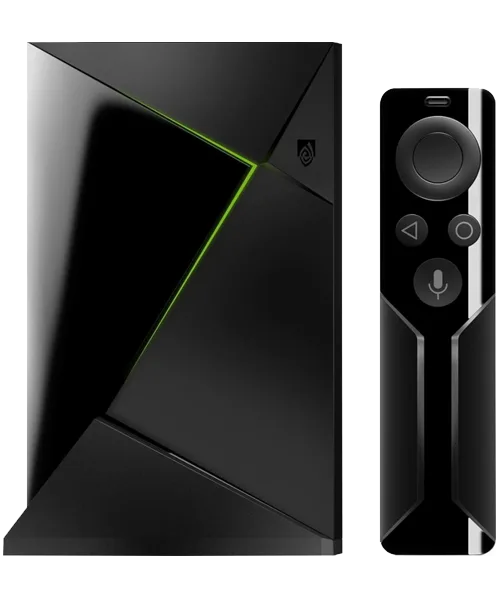
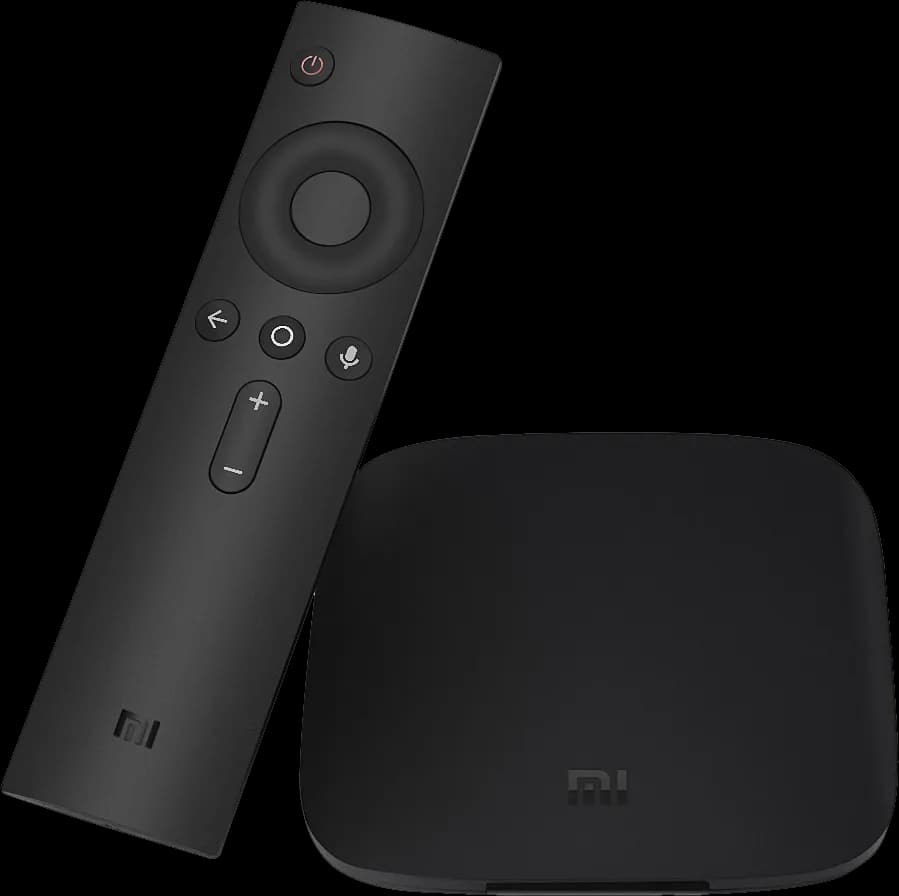

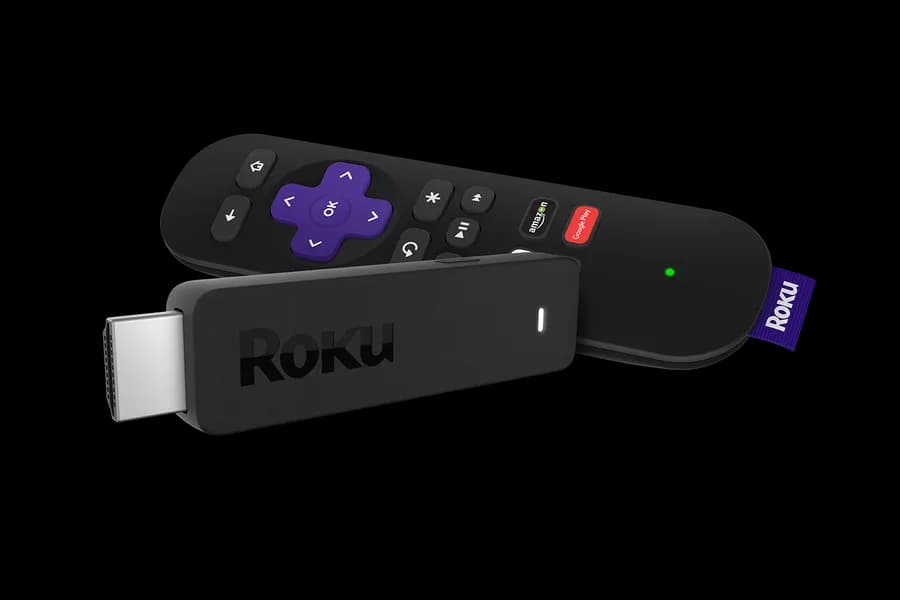
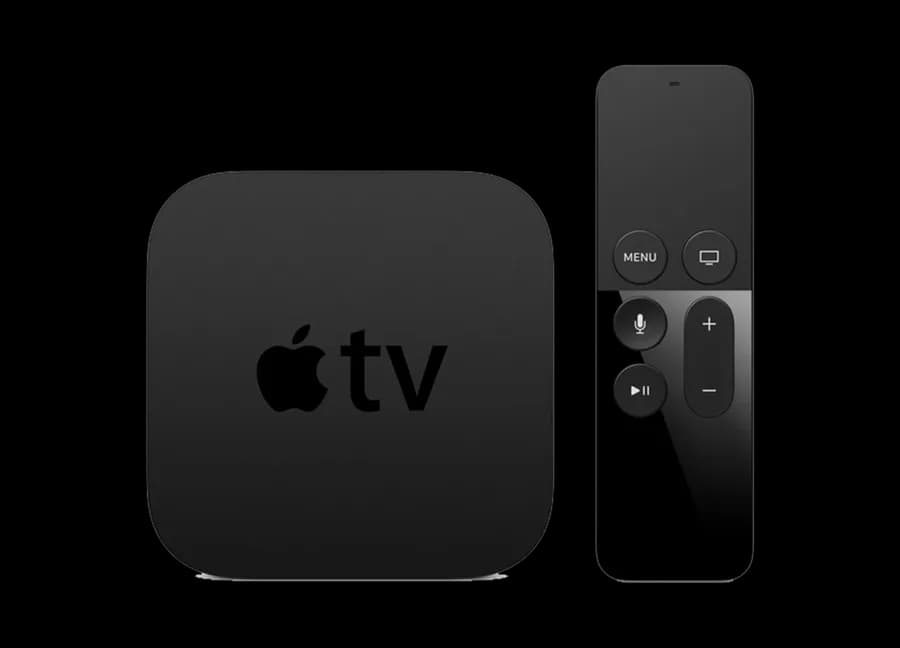
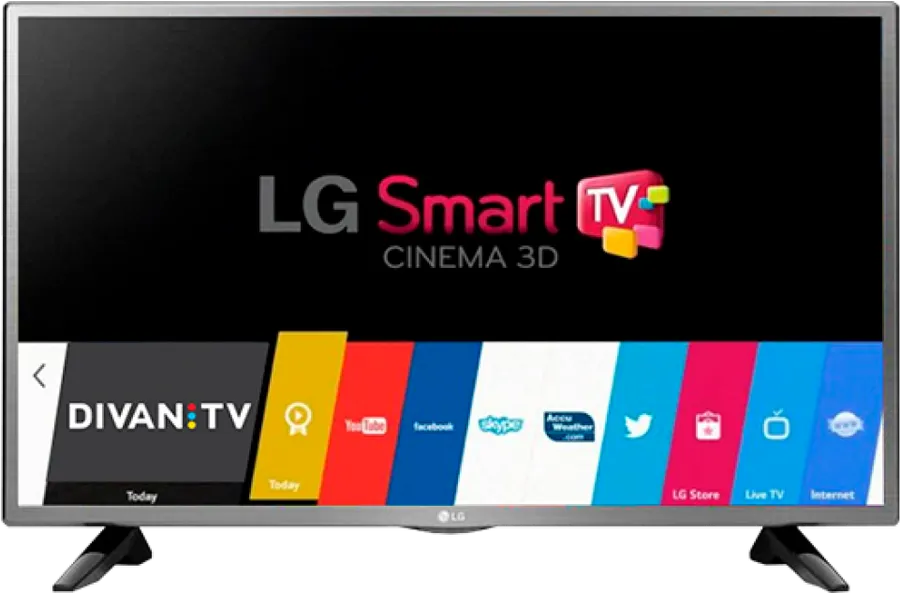
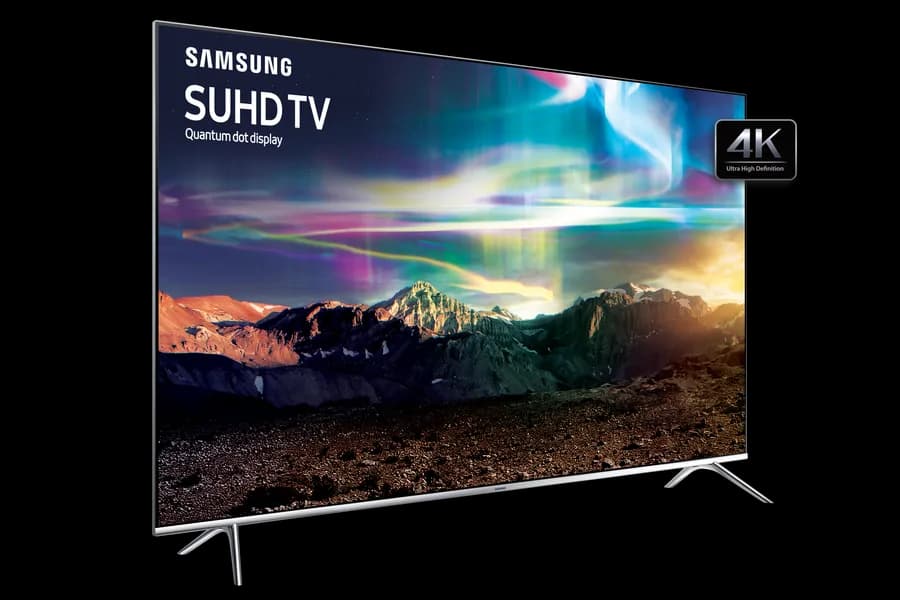
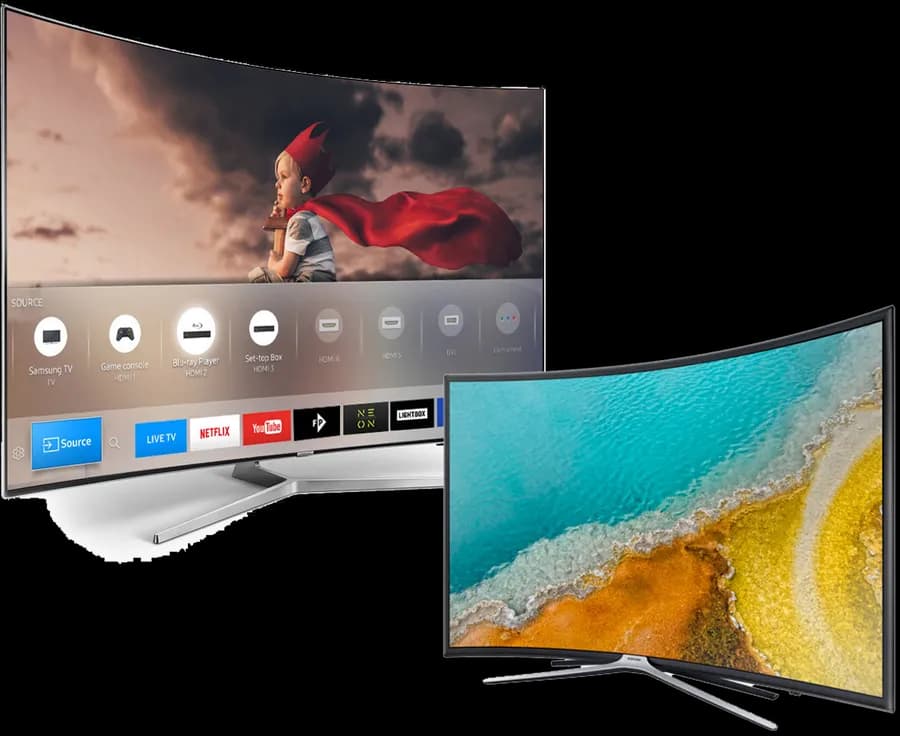
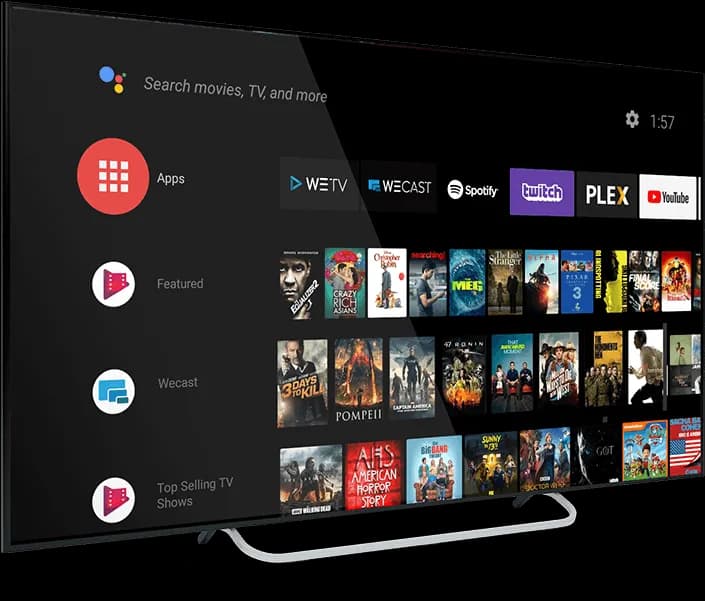
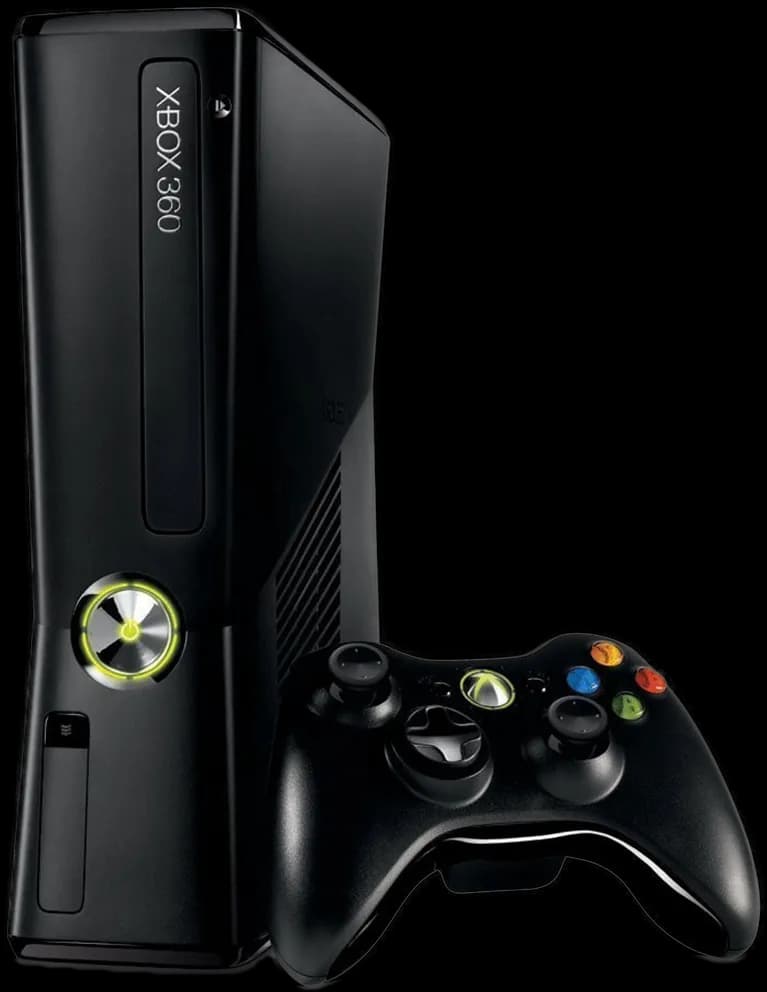
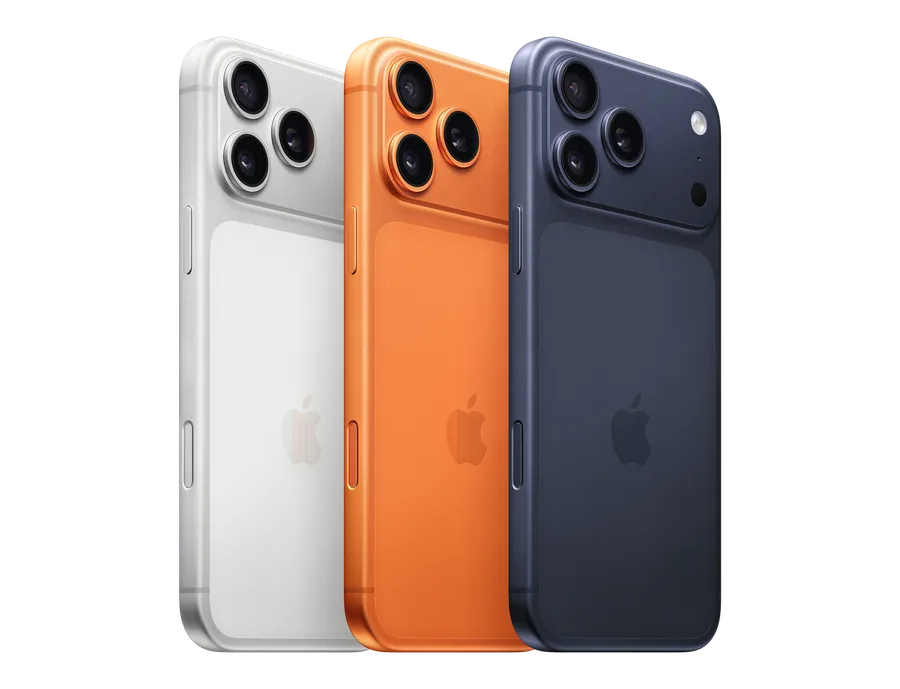
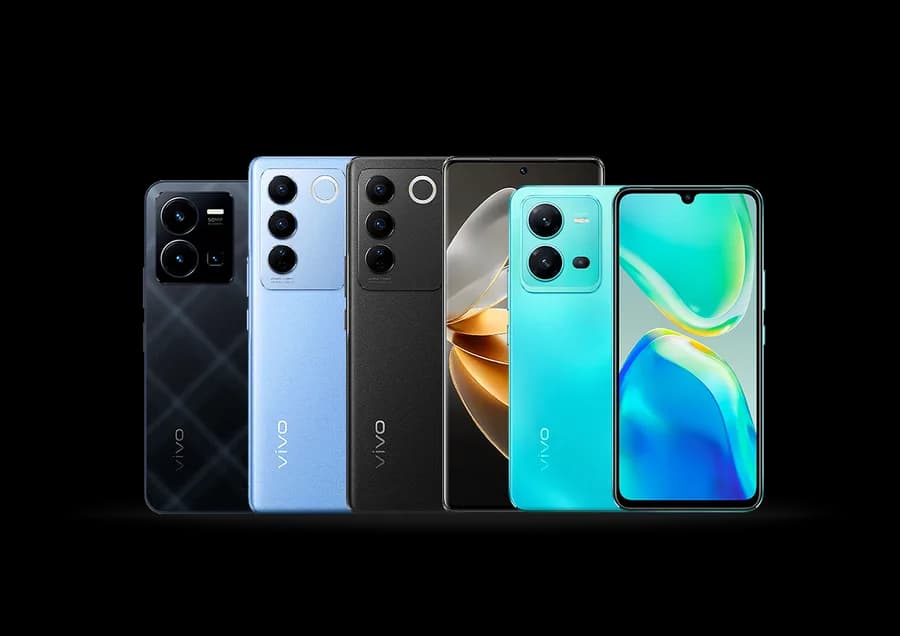
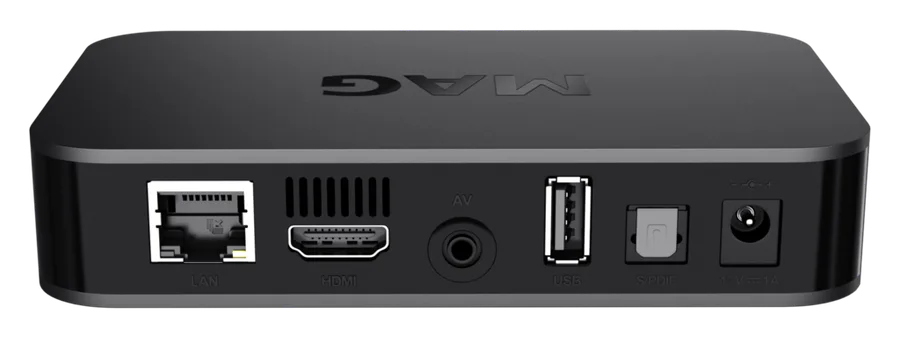
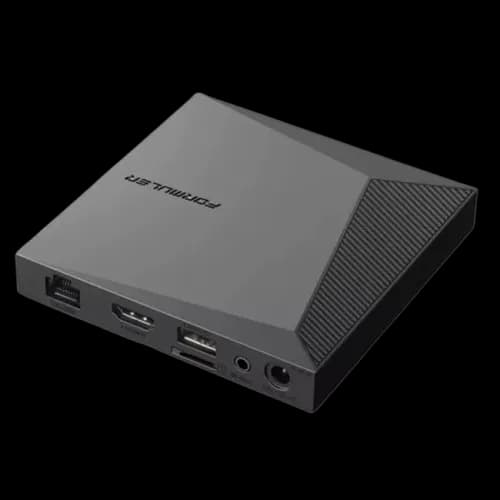
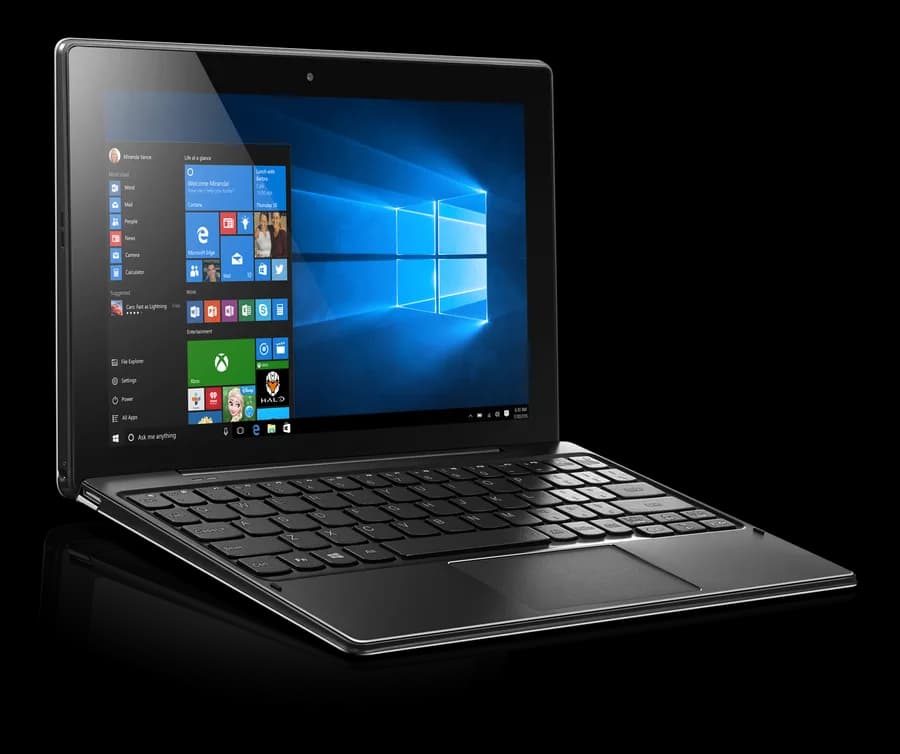
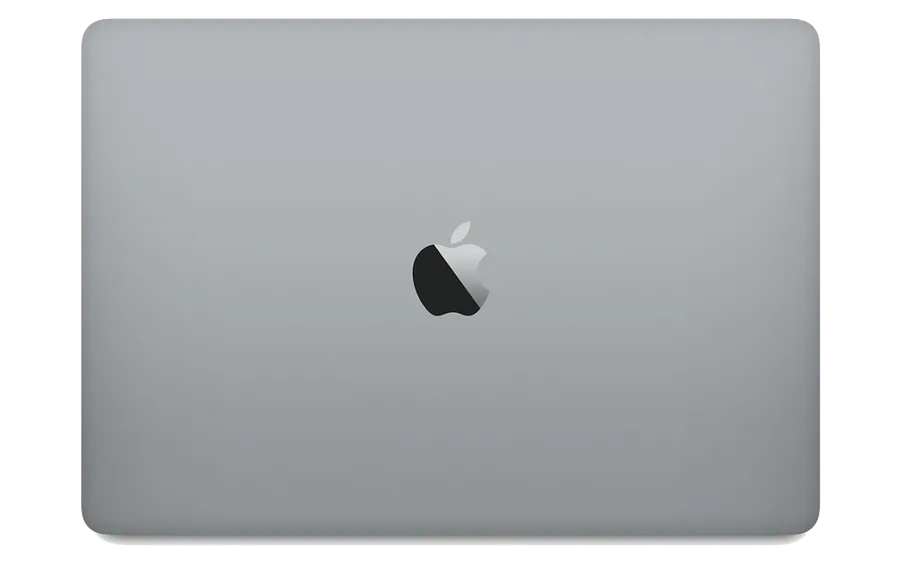
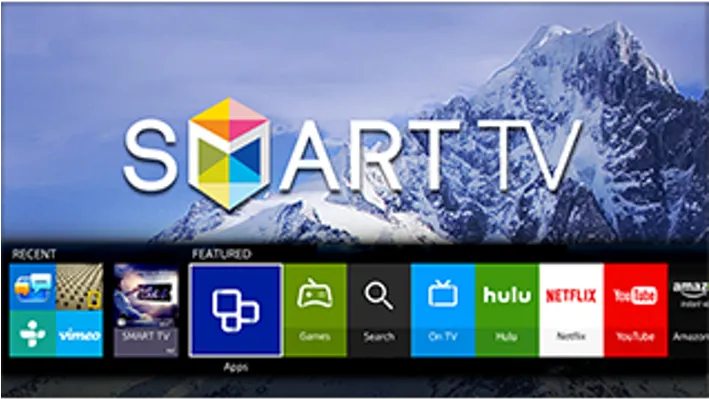
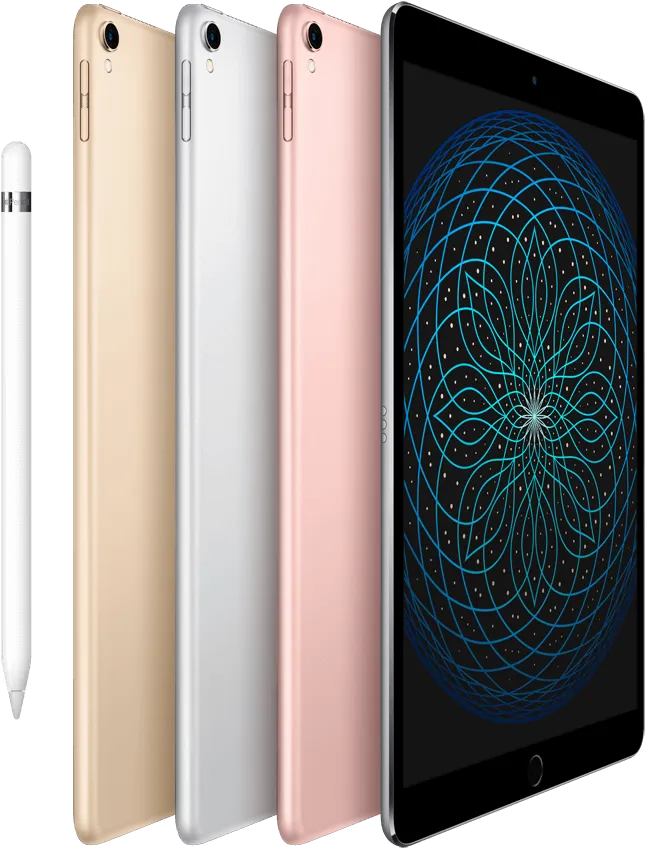
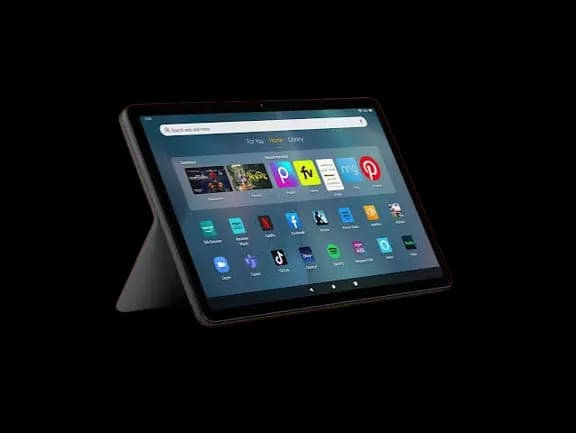
Don’t see your device pictured? Browse the full compatibility list — every supported device has setup notes, even without a photo here.
Works with the player app you already use
Any of these third-party apps connect to your subscription the same way — with an M3U playlist or Xtream Codes login.
IPTV Smarters Pro
The most widely supported player, with the broadest device reach.
Android, iOS, Fire TV, Android TV, Windows, Mac
Quick setup guideTiviMate
A polished, TV-focused interface built specifically for the big screen.
Fire TV, Android TV, Android boxes (no iOS)
Quick setup guideXCIPTV
A lightweight Android-first player with a straightforward setup flow.
Android, Fire TV, Android TV
Quick setup guideIBO Player
A simple, no-frills player focused on fast channel switching.
Android, Android TV, Fire TV
Quick setup guideBOB Player
A grid-style channel browser with built-in EPG support.
Android, Android TV, Fire TV
Quick setup guideSparkle TV
A minimal, fast-loading player aimed at Android TV boxes.
Android TV, Android
Quick setup guideTelevizo
A configurable player with playlist grouping and parental controls.
Android, Android TV, Windows
Quick setup guideNext IPTV
A straightforward player with catch-up and multi-playlist support.
Android, Android TV, Fire TV
Quick setup guideMore setup help
Configuring a playlist instead of installing an app? See every guide, including 5 configuration and troubleshooting guides. Sideloading on Fire TV or Android TV? See how Downloader codes actually work.
Installation questions
Installed and ready to watch?
Every device works the same once it's set up. See pricing to get started.