It depends on the model — TCL sells TVs on both Google TV and Roku TV platforms, and each follows that platform's own IPTV setup path.
Compatibility
Unlike LG or Samsung, TCL doesn't use a single proprietary OS across its lineup — its TVs ship with either Google TV or Roku TV depending on the model and region, so the correct setup path depends on which one you have. Google TV models install player apps from the Play Store directly, the same as any Android TV device. Roku TV models follow Roku's Channel Store approach, since Roku TV runs the same closed platform as a standalone Roku box.
Setup overview
- Check your TV's home screen or settings to identify Google TV vs. Roku TV
- On Google TV models, install a player app from the Play Store
- On Roku TV models, add an IPTV channel from the Roku Channel Store
- Enter your playlist URL or Xtream Codes credentials in the app
There’s no dedicated step-by-step guide for TCL TV yet. The compatibility notes above cover what you need to know.
24+Devices supported
20+Countries covered
TCL TV frequently asked questions
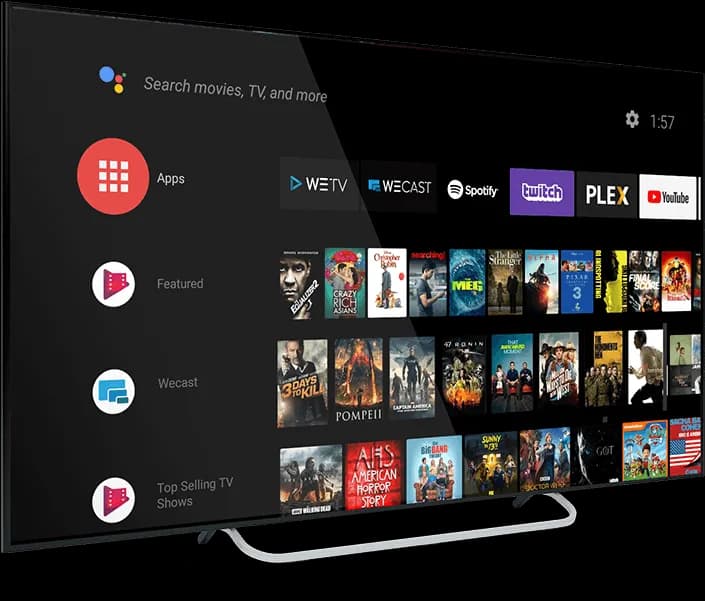
The home screen looks different for each — Roku TV has Roku's simple grid-of-channels interface, while Google TV has a content-row layout similar to a phone launcher. Settings → About also states the platform directly.